Ogg Vorbis Music Files: Container, Codec and Playback
At a glance
Ogg Vorbis audio files use an open container and codec for efficient, high-quality music compression. This article explains the distinction between Ogg and Vorbis, checks for software support, and details ecosystem compatibility. Clear steps guide you in testing playback, investigating tags, and verifying application handling, including tips for music enthusiasts exploring beyond MP3.
In this guide
Ogg Vorbis fundamentals
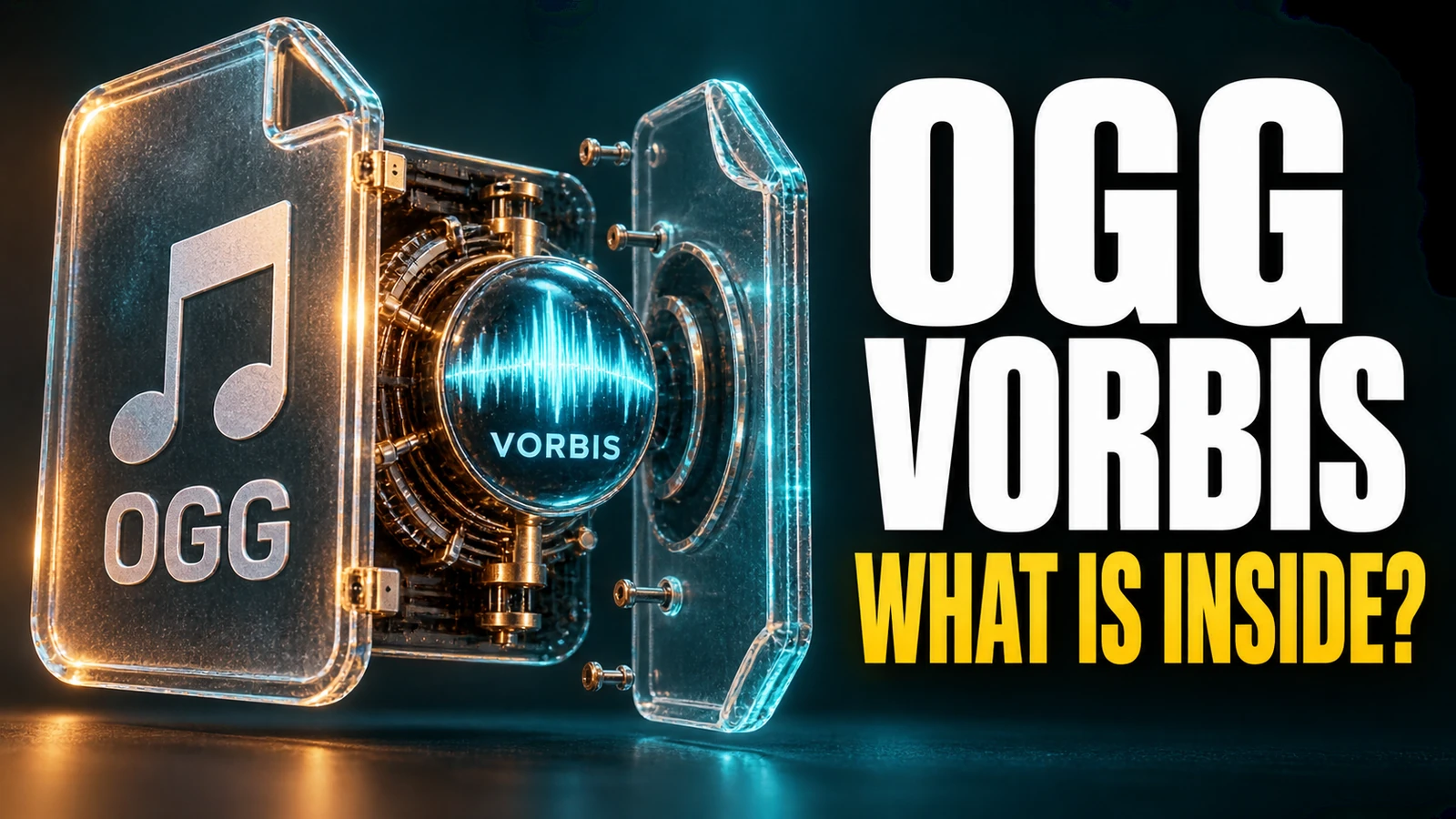
Ogg Vorbis files are widely recognized in digital audio for their efficient compression and freedom from patents and royalties. At their core, these files combine two important components:
- Ogg Container: This organizes and stores the audio (and sometimes metadata) within a file, usually using the
.oggextension. The Ogg format is open and flexible, acting as a general-purpose wrapper for several possible audio and even video codecs. - Vorbis Codec: Vorbis is the specific audio compression method - or codec - that encodes your music into efficient digital form. It is tuned to work best at bitrates from 16 to 128 kbps per channel, supporting audio from 8kHz to 48kHz and more than 16-bit depth for good music quality (Vorbis official documentation).
This distinction means that while all "Ogg Vorbis" files use both Ogg and Vorbis, the Ogg container can, in principle, hold other codecs, and Vorbis-encoded audio must be inside a container (usually Ogg for music, but sometimes others for specific uses).
Documented compatibility checks
Before distributing or archiving Ogg Vorbis music, it’s crucial to check whether your applications and devices support both the container and the codec. Not every app that opens .ogg files fully supports Vorbis, and some well-known music players may prioritize other formats.
- Consult the official application documentation or the software’s current feature list for Ogg Vorbis support. For many open-source audio libraries (like
libvorbis), this is clearly noted, but proprietary programs may not state it explicitly. - Check for playback support, not just file opening, as some programs can read tags or stream metadata but not decode the audio.
- On portable devices, verify supported audio and container types in the official technical specifications - not all “Ogg” support means “Ogg Vorbis”; some devices may only recognize Ogg with specific codecs.
- For music editing or DJ applications, ensure both import and export functions mention Vorbis explicitly. Application marketplaces or support forums often offer supplementary compatibility lists.
Practical verification steps with your music
Because Ogg Vorbis support is highly dependent on how the software or device is built, the best approach is to test your target platform with a small audio sample before investing time in batch processing or archiving:
- Create or locate a known-good Ogg Vorbis sample file. Many are available from open audio repositories.
- Open and play this file in the intended app or device. Listen for audio clarity, check track length, and look for playback controls specific to music (like seeking, pausing, or volume adjustment).
- If possible, check for correct reading of embedded metadata (artist, title, album, etc.).
This method lets you confirm actual support rather than relying on file association or mere presence of the .ogg extension. Applications may claim "Ogg support" without implementing the Vorbis decoder, particularly in cases where video or alternative codecs like Opus are also in use.
Ogg versus MP3 and Opus
Ogg Vorbis is often compared with MP3, as both are compressed audio formats for music listening. But Ogg Vorbis is fully open source and free of licensing fees, and its audio performance - especially at lower bitrates - has been shown to match or exceed that of MP3 in many real-world scenarios (see xiph.org for details).
Vorbis is not the same as the Opus codec, which might also be wrapped in an Ogg container for some files. Opus focuses more on speech and low-latency communication, while Vorbis is tuned for music. For in-depth Opus differences, our article What Opus Audio Means for Your Music Files can help clarify their distinct roles in the audio ecosystem.
Investigating metadata support
Vorbis-encoded Ogg files commonly use Vorbis comments for metadata. This system allows artists, titles, album names, and other tags in a simple and extensible form. Not every app handles these tags identically:
- Music managers and modern players generally show artist and title fields correctly.
- Some older or non-mainstream software may not parse all fields, or may not allow editing beyond basic data.
- Batch tagging tools frequently support Vorbis comments, but before bulk updates, check a copy in your main player.
Be aware that Ogg Vorbis tags are not the same as ID3 tags in MP3. Tag editor apps will often show this explicitly, but the distinction matters for library organization.
Example: verifying Ogg Vorbis playback in a DJ app
Example: Jordan is building a DJ music set using a modern desktop application. They have several tracks in the Ogg Vorbis format. To confirm support, Jordan:
- Opens the app's official help guide online and finds that Ogg Vorbis import is supported, but export is not listed.
- Loads a test track. The app plays back the audio, displays artist and track name, and allows seeking through the track.
- Attempts to export a mix including the Ogg track, but receives a format error. Jordan now knows that while playback and live mixing are supported, final output must be re-encoded in another supported format.
This process saves time by revealing library handling limitations before Jordan plans the entire set.
Ecosystem, applications, and alternatives
The Ogg Vorbis ecosystem includes open-source libraries like libvorbis and cross-platform playback solutions. Embedded systems may rely on specialized decoders such as Tremor. For music creation, editing, and playback:
- Most open-source music players support Ogg Vorbis natively. Many popular browsers and mobile apps include support as well.
- DAWs and audio editors vary in their import/export options; check version specifics in their updated documentation.
- Your own exported audio can be shared freely when using Vorbis, unlike MP3 which may have patent concerns in some jurisdictions.
- To extract audio from video or convert formats for archival, see our guide Extract Audio from Your Own Video with FFmpeg.
When in doubt, test directly with your preferred version and environment. Look for explicit mentions of “Vorbis” (not just Ogg, not just "audio support") and consult developer or user forums for up-to-date troubleshooting advice.
Next steps for music enthusiasts
To deepen your understanding of how Ogg Vorbis files can be used, select a sample music track and investigate how your favorite player or editor handles Ogg Vorbis audio and metadata. This real-world testing ensures your music files will be accessible and organized wherever you enjoy your audio.