Moving your music
Show File Extensions Before Renaming Music in Windows
Learn how to display file extensions in Windows to safely rename music files and avoid confusion between similar-looking names, like song.mp3 versus song.mp3.txt.

Fine-tune playback, move recordings between devices and make careful audio edits. Practical articles that help you work with your own music.
Learn how to display file extensions in Windows to safely rename music files and avoid confusion between similar-looking names, like song.mp3 versus song.mp3.txt.
Learn how to extract audio from your personal video files using FFmpeg, with clear steps for both stream copy and MP3 re-encoding, while preserving your originals.
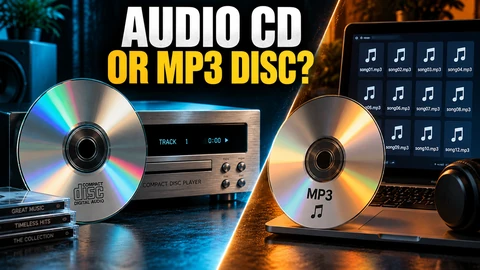
Compare an audio CD with an MP3 data disc before burning music. Check player compatibility, choose the right disc type, and verify your finished copy.
Learn the essentials of Ogg Vorbis: its role as a container and codec, how apps support it, and how to check compatibility for playback and music projects.
Learn how the Opus audio codec relates to extensions and containers, what sets it apart, and its playback compatibility for your music files today.
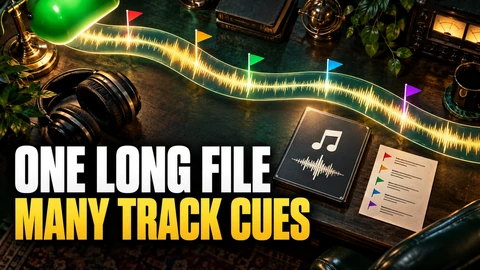
Learn how FLAC-embedded CUESHEET metadata and external CUE files define track and index offsets to describe continuous music, and why they’re not interchangeable.
Learn how ReplayGain 'track gain' and 'album gain' metadata work, their practical playback effects, and how to inspect player support for these loudness adjustments.
Read Audacity 3 playback meters, spot peak levels and clipping indicators, and understand what these displays reveal about a music recording.
Add point and region labels in Audacity 3 to mark rehearsal cues, keep useful notes, and navigate your recording without splitting the audio file.