Audio adjustments
Read a Music Spectrogram in Audacity 3
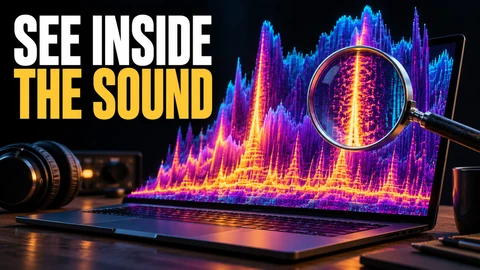
Read time and frequency in an Audacity 3 spectrogram, locate a sound for closer inspection, and understand the limits of judging music quality by a picture.

Fine-tune playback, move recordings between devices and make careful audio edits. Practical articles that help you work with your own music.
Read time and frequency in an Audacity 3 spectrogram, locate a sound for closer inspection, and understand the limits of judging music quality by a picture.
Use track pan controls in Audacity 3 to position sound in a small music mix, check left and right balance, and listen to the exported result.
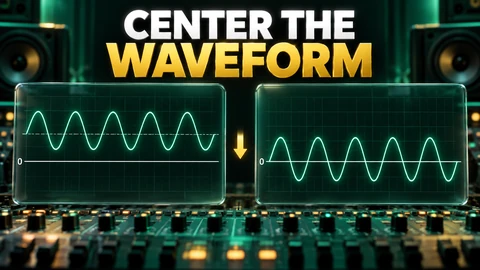
Learn how to spot and correct DC offset in Audacity 3 using Normalize’s centering option, ensuring cleaner, balanced audio before editing or mixing.
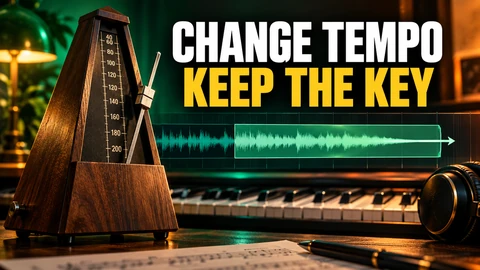
Learn how to adjust a song's tempo in Audacity 3 without affecting its key, including BPM calculations, artifact risks, and permanent output steps.
Use Audacity 3 to investigate short clicks in your own recording, compare a small repair, and avoid mistaking musical transients for unwanted noise.
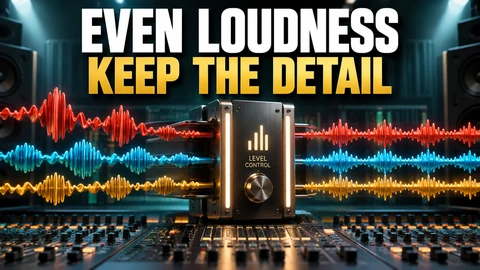
Learn how Audacity 3 loudness normalization differs from peak adjustment, then test a small recording while checking balance and preserving your original.
A step-by-step guide to reducing steady hiss in music recordings with Audacity 3, focusing on noise-only profiles, residue audition, and when to stop.
Learn how to import songs from a physical audio CD into the Music app on your Mac, select MP3 import where possible, choose tracks, and handle errors safely.
Change a recording’s pitch in Audacity 3 while keeping its tempo. Test semitone adjustments on a short copy, listen carefully, and retain the original.