How CUE Sheets Describe Continuous Music Files
At a glance
FLAC-embedded CUESHEET metadata holds detailed track/index offsets, letting music software map tracks within single-file albums. This differs from plain text CUE files: both describe music structure, but have distinct contexts and formats. Understand what each offers and how they help navigate continuous albums without splitting or exporting audio.
In this guide
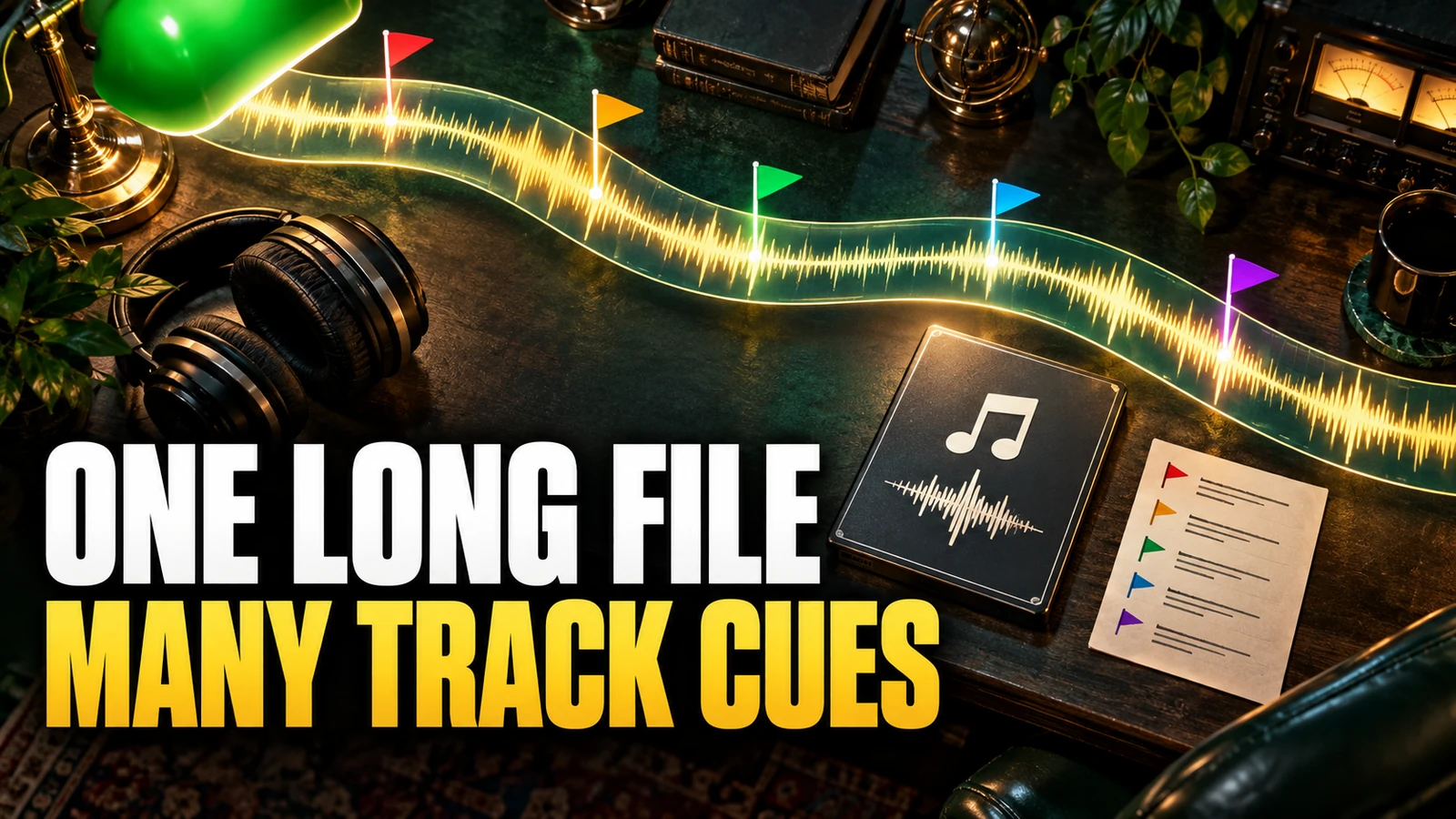
A FLAC file with an embedded CUESHEET can describe the structure of an entire album stored as a single, continuous audio file, without breaking tracks into separate files. This embedded metadata lets applications and music players reconstruct the original track boundaries and navigation points from actual audio CDs, as well as digitally-curated albums, in a standardized way. External text-based .cue files serve a similar purpose, but are conceptually less integrated and exist as sidecar files. The two are closely related but neither redundant nor directly interchangeable, and copying data from one to the other is not a functional migration. Here, you’ll learn precisely how FLAC's CUESHEET metadata works to describe continuous music, how it conceptualizes track and index offsets, and how this differs from external cue sheets.
FLAC CUESHEET metadata block
A CUESHEET metadata block in FLAC defines a structure for recording the navigation points of an album, similar to a CD’s table of contents. According to the official FLAC specification:
- Media catalog number: Optionally stores the album’s catalog identifier.
- Lead-in samples: Represents the gap before the first track's playable content; meaningful for CD audio but often zero in other cases.
- Track count and layout: Lists each track, including a required “lead-out” entry marking the album’s end.
Tracks themselves have metadata:
- Offset (samples): Where the track’s first index starts, relative to the file’s start.
- Track number: Sequential, starting from 1 (except for a special lead-out track).
- ISRC code: A 12-character ID for copyright/recording tracking, placeholder if unknown.
- Track type: Signals whether the track is audio (most cases) or data/non-audio.
- Pre-emphasis: Flag for audiophile detail; largely historic except for archival use.
- Number of index points: Each track typically includes at least INDEX 01 (main start), optionally INDEX 00 (pre-gap) and more for advanced navigation.
Each index point then has:
- Offset: Relative to the start of the track, letting complex or hidden track gaps be represented (common in live albums or DJ mixes).
- Index number: Starts at 0 (pre-gap) or 1 (normal start), incrementing for additional sub-sections.
All offsets in the CUESHEET are described in samples, not time, and are ultimately anchored to the file's or track’s true boundary in the audio stream. This design makes cuesheets highly accurate for playback software or archival applications.
Conceptual navigation with CUESHEETs
When a FLAC file contains an embedded CUESHEET, media players and library managers can use it as a detailed map for navigation within the continuous audio file. This enables features such as:
- Fast seeking to individual tracks or sections, even if there are no physical file splits.
- Playback of only specified tracks or ranges, as originally organized on a CD or curated playlist.
- Display of accurate track titles, durations and possibly index points (such as for hidden intros, DJ segue markers, or live concert applause fades).
For example, a Japanese CD reissue with ten songs and seamless transitions can be archived as a single FLAC file - its embedded CUESHEET will record precisely when each new song starts and stops, matching the CD's listening experience. If a track has a pre-gap (“INDEX 00”), such as hidden music before the main portion starts, that offset will be preserved as well.
Difference between embedded and external cue sheets
An embedded CUESHEET is stored directly in the FLAC file’s metadata blocks. By contrast, an external cue sheet is a human-editable plain text file (with a .cue extension) that refers to an accompanying audio file, specifying the same kinds of information: track positions (in CD frames, typically), indices, and basic textual info. Important distinctions include:
- Format: FLAC CUESHEET is structured binary metadata; a text .cue file is written for CD-burning or audio software compatibility.
- Integration: Embedded CUESHEETs always travel with the FLAC file. External cue sheets can be lost or mismatched.
- Syntax: The two formats use different structures and cannot be interchanged by copy/paste; direct conversion is non-trivial and can cause failures, especially for non-CD material.
- Scope: Embedded CUESHEETs typically refer to the file they are in; text cue sheets can refer to any external audio data, sometimes in generic terms.
For a more in-depth comparison of audio file structures, you can also see our article on Ogg Vorbis music files.
Working with lead-in and lead-out track markers
Every CUESHEET, whether embedded or external, represents not just the tracks you hear, but also “lead-in” and “lead-out” zones. These serve vital purposes in describing the disc or album’s navigation:
- The lead-in: For CDs, a short block before playable tracks, typically silence or data (“TRACK 00”). In FLAC CUESHEETs, the number of samples in the lead-in is recorded so the software can accurately position the start of the playable audio.
- The lead-out: Marks the very end of the disc/file, allowing applications to understand where no more playable content exists, and helping archiving tools to capture the original CD’s end boundary or the final fade of an album or mixtape.
For non-CD content, such as a DJ mix, these markers may serve as standardized placeholders to delimit the content cleanly, whether the concept of a "lead-out" applies or not.
Example: Navigating a continuous album
Example: Mira wants to preserve her favorite continuous dance mix album in exactly its original flow, with every track starting and ending seamlessly. She rips the CD to a single FLAC file, preserving indexes and pre-gaps. Embedded inside the FLAC file, the CUESHEET metadata describes:
- The offset and number of each track, matching the original CD’s.
- Unique track numbers, with one “lead-out” at the end.
- For track 2, a pre-gap (INDEX 00), representing ambient crowd noise that blends into the music.
Using her audio player, Mira sees the correct album navigation, and can jump or repeat tracks as on the actual CD, even though there’s only a single audio file. She can check the embedded CUESHEET using a FLAC metadata utility, confirming track boundaries and sample offsets without extracting or splitting the file.
How to check FLAC CUESHEET metadata
Exploring or verifying the CUESHEET structure is straightforward with FLAC-specific metadata tools. On most platforms, this is a read-only operation, so your original data remains untouched:
- Make a backup copy of your FLAC file if you plan to experiment with metadata or different music software.
- Use a FLAC metadata viewer (for example,
metaflaccommand-line or a player with FLAC metadata inspection features) to inspect the CUESHEET block. You’ll see sample-based offsets, track numbers and possibly ISRC codes. - Compare displayed track boundaries to your intended or original album structure. With knowledge of the embedded cuesheet, you can confidently navigate, search or playback tracks based on these boundaries.
Note that no supported tool will let you simply paste a FLAC CUESHEET block into a text .cue file or vice versa; conversion between the two always involves comparing and re-encoding the detailed information with proper structure.
Practical tips and next steps
Understanding how the FLAC CUESHEET metadata block works helps you properly archive and browse albums that were never meant to be split up, preserving the original listen-through experience. To further your knowledge of how audio metadata shapes your music experience, consider also learning how ReplayGain helps normalize playback across continuous albums and different tracks. Next, try investigating the CUESHEET metadata in one of your own FLAC albums using a non-intrusive metadata viewer, and see how album structure is precisely mapped to sample offsets and indexes.